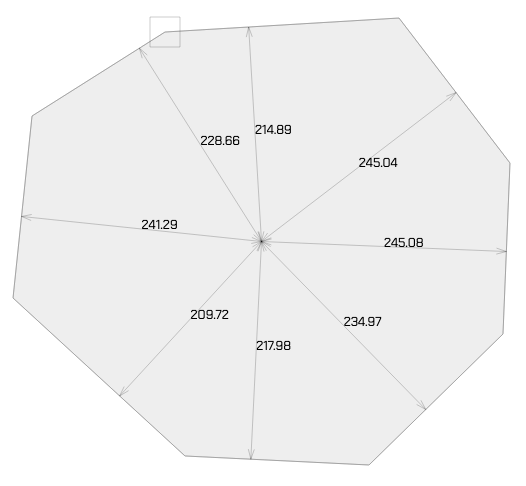

Place the corners of the polygon by clicking in the drawing surface. Add points to a polygon by cklicking the edge. Click a corner to remove it.
Add polygon
Click on your points and then on the starting point again. Modify your polygon by dragging the corners. Add points by clicking on the line. Click on a corner to remove it.
DC01 kallvalsad stålplåt är en vanlig stålplåt som är vanligt förekommande i tillverkning av allt från byggnadsdetaljer till hushållsapparater och maskinkonstruktioner.
Observera att DC01 inte är korrosionsbeständig, vilket kan leda till rost om den inte skyddas eller målas.
Material tjocklek (mm):
coating choose coating
Log in
Reset Password
Register
Checkout: Not completed
checkout cart
Du har delar som ej sitter ihop
mypages invoicing address
mypages use as delivery
mypages delivery address
checkout summary
Ex. DE123456789
Sum excl. vat:
Shipping:
VAT (25%) (25%):
Total:
Free shipping
forge empty blueprint
Projekt/namn
-+
50000.00 kr (50000.00kr)
DXF/DWG preview
85
mm
85
mm
N lines have been interpreted as fold lines, you can adjust the angle of the fold or remove lines after loading the part into the tool.
Choose a project name or an existing project below.
Choose a name
Import av ritning misslyckades
Något gick fel vid importering av ritning, vi har registrerat problemet och undersöker nu orsaken. Tills vi löst problemet med denna ritning så kan du beställa via Gör förfrågan.
Welcome to ProForger
Basic principle: create your shape out of material and remove from it with holes
Add fold
When you press “Add”, a box line will be created in the center of your drawing.
You can move it by dragging the line or the end points.
Tap the line or points to bring up a menu to change the direction or angle of the box.